

Server Browser
The Goon Squad - Home
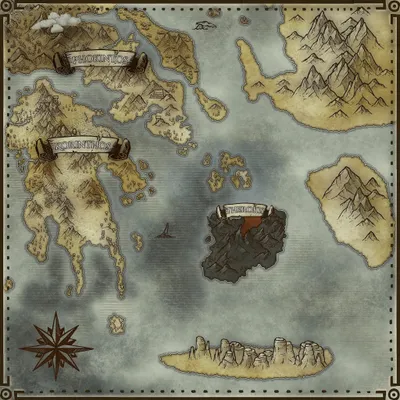
Astraeos
Population
Loading population history...
Last 24 hours: Average players 0; recorded peak 0.
Installed Mods
21 mods
Cybers Structures QoL+ (Crossplay)
ID: 9067272
Dino Depot
ID: 8656851
Der Dino Finder
ID: 7965328
Visual Storage (Cross Platform)
ID: 6623820Show more (17)Show less

Nanoh's Reusables
ID: 8319754
TG Stacking Mod 1000-50
ID: 7739804
Paleo ARK - Evolution | Apex Predators (Crossplay)
ID: 8504431
Additions Ascended: Edmontonia
ID: 8711178
Awesome Teleporters!
ID: 6897266
Shiny! Dinos Ascended
ID: 7005633
BigAL's: WAK Spinosaurus
ID: 8694604
Vanilla with Sprinkles
ID: 8854914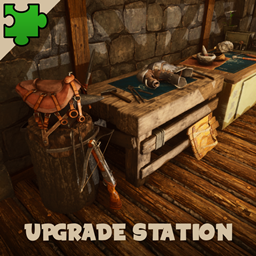
Upgrade Station
ID: 6601207
Mouse Saver - Easy Dino Attacks
ID: 7123323
Dino Painter
ID: 6570886
Fruit Seeder and Meat Spoiler
ID: 6567991
Explorer Notes Tracker
ID: 8784548
Nanoh's Potions Mod (No Longer Supported)
ID: 6634876
Safe OSD & Element Veins
ID: 7321717
Better Horde Mode [QoL, Open Source]
ID: 7737976
Resource Tracker
ID: 8818086Other Servers In Cluster
2 serversHow to join
- Open ARK: Survival Ascended and choose Join Game.
- Select Unofficial. Enable Show Player Servers if available.
- Search for The Goon Squad - Home and refresh the list.
- Select the server on Astraeos and press Join. Enter the server password if prompted. Allow the required mods to download.
Can't find the server?
Clear map and mode filters, then search for part of the name. For a password-protected server, enable Show Password Protected Servers. Check that your game is updated and your platform is listed in Server details.
Give your ARK community a home
Create your own custom server page on Arkbuddy. Share your server details, rates, events, and live population in one place.
Affiliate
Rent an ARK server on Nitrado
Launch your own world in minutes. Use the link for your game version below.