


Server Browser
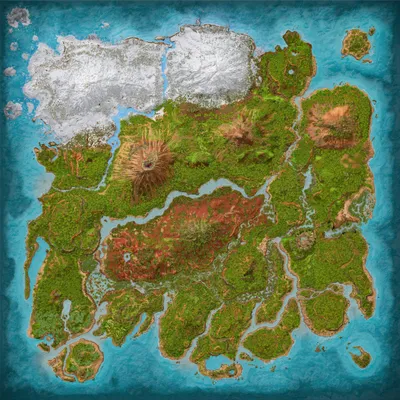
Far Point Station
The Island
Population
Loading population history...
Last 24 hours: Average players 0; recorded peak 0.
Installed Mods
18 mods
Super Spyglass Plus
ID: 8160173
Automated Ark
ID: 8449298
Custom Dino Levels
ID: 6601211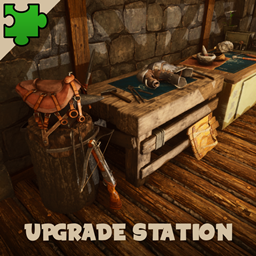
Upgrade Station
ID: 6601207Show more (14)Show less

Better Trough
ID: 6572651
Stop The Steal - Ascended [UPDATE NOV 2024]
ID: 6570514
Creature Spawns (Snow Owl)
ID: 6572440
Tranq+
ID: 6569051
TG Stacking Mod 1000-50
ID: 7739804
Appetizer
ID: 6570599
Der Dino Finder
ID: 7965328
Cliffans Wardrobe [Armor & Clothing]
ID: 7494754
Cliffans Vanilla Weapon Skins
ID: 6570582
Best Baby Treat (Breeding improvement)
ID: 7255845
Dino Painter
ID: 6570886
Better Breeding
ID: 6570902
Admin Panel
ID: 7191618
Awesome Teleporters!
ID: 6897266How to join
- Open ARK: Survival Ascended and choose Join Game.
- Select Unofficial. Enable Show Player Servers if available.
- Search for Far Point Station and refresh the list.
- Select the server on The Island and press Join. Enter the server password if prompted. Allow the required mods to download.
Can't find the server?
Clear map and mode filters, then search for part of the name. For a password-protected server, enable Show Password Protected Servers. Check that your game is updated and your platform is listed in Server details.
Give your ARK community a home
Create your own custom server page on Arkbuddy. Share your server details, rates, events, and live population in one place.
Affiliate
Rent an ARK server on Nitrado
Launch your own world in minutes. Use the link for your game version below.