

Server Browser
FreqDinoCityV2
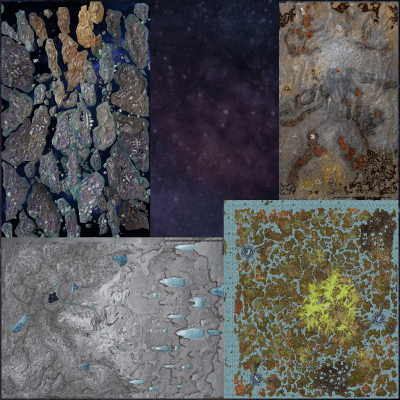
Genesis
Population
Loading population history...
Last 24 hours: Average players 0; recorded peak 0.
Installed Mods
18 mods
TG Stacking Mod 1000-50
ID: 7739804
Awesome Spyglass!
ID: 6950581
Dino Depot
ID: 8656851
Visual Storage (Cross Platform)
ID: 6623820Show more (14)Show less

RR-Tranqs and more!
ID: 7226185
Klinger Additional Rustic Building
ID: 6562241
Cliffans Wardrobe [Armor & Clothing]
ID: 7494754
RR-WarWeapons
ID: 7224555
Cliffans Backpacks
ID: 6661175
Cybers Structures QoL+ (Crossplay)
ID: 9067272
RR-MedievalRoleplayDeco!
ID: 7224960
RR-Medieval Structures
ID: 7224902
JVH Landscaping
ID: 7859304
JVH Garden Decor
ID: 6905866
Oasisaur Tweaks
ID: 7667395
Castles, Keeps, and Forts - CKF
ID: 6642983
Summer Bash
ID: 8453186
Der Dino Finder
ID: 7965328Other Servers In Cluster
1 serverHow to join
- Open ARK: Survival Ascended and choose Join Game.
- Select Unofficial. Enable Show Player Servers if available.
- Search for FreqDinoCityV2 and refresh the list.
- Select the server on Genesis and press Join. Enter the server password if prompted. Allow the required mods to download.
Can't find the server?
Clear map and mode filters, then search for part of the name. For a password-protected server, enable Show Password Protected Servers. Check that your game is updated and your platform is listed in Server details.
Give your ARK community a home
Create your own custom server page on Arkbuddy. Share your server details, rates, events, and live population in one place.
Affiliate
Rent an ARK server on Nitrado
Launch your own world in minutes. Use the link for your game version below.